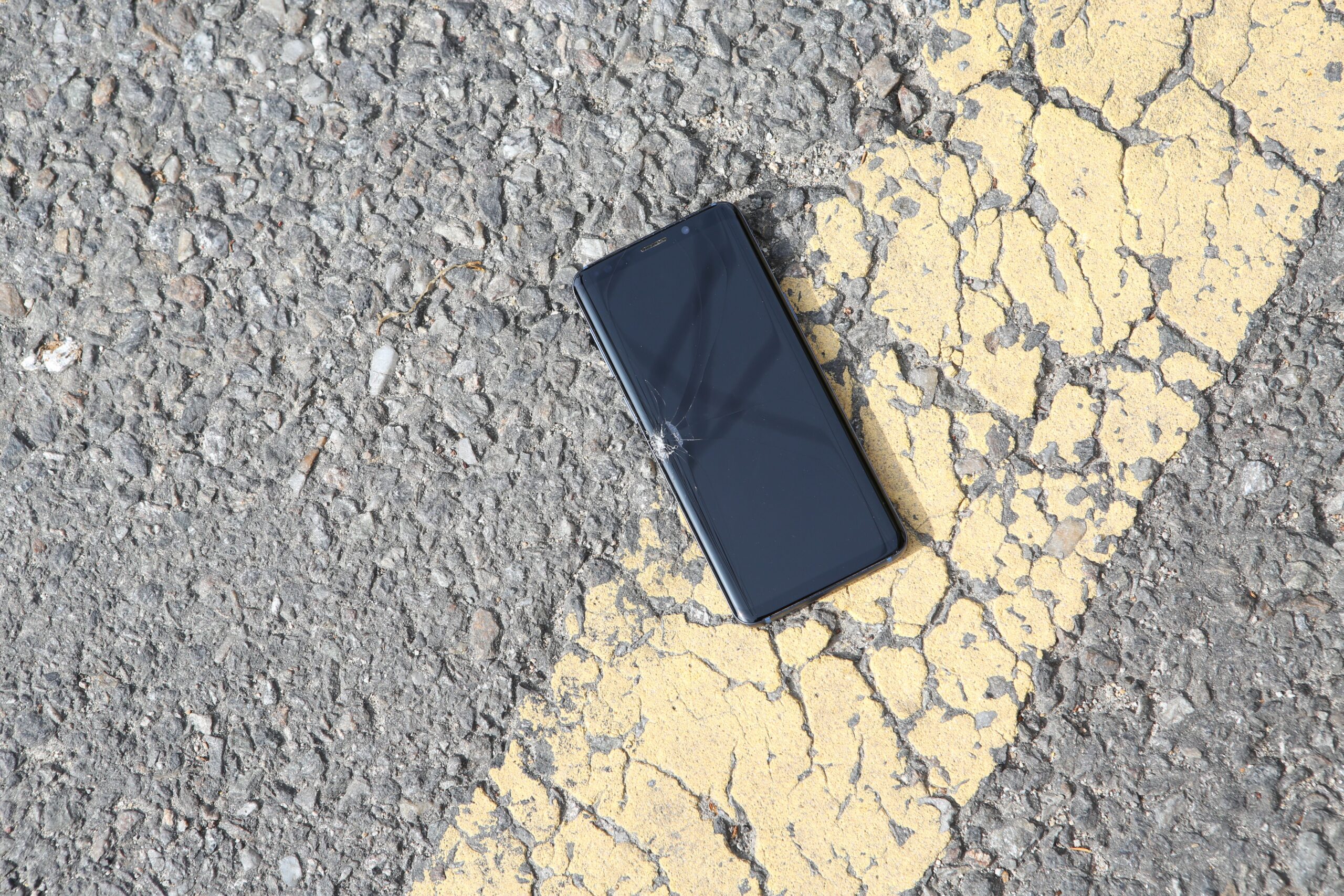
We’ve all tried to talk ourselves into it. The screen flickers once, a tap doesn’t register, or a strange line shows up, and we tell ourselves it’s probably fine. Maybe a restart fixes it. Maybe we ignore it for a week and hope the problem gets bored and leaves.
Sometimes that works. Sometimes it absolutely does not. A handful of screen problems are more than minor annoyances, and they can point to deeper hardware trouble, safety risks, or a display that’s about to get much worse.
Here are five phone screen issues we shouldn’t shrug off, plus what’s worth trying first before we decide whether it’s repair time or replacement time.
1. Ghost touches are annoying, but they can also be a warning sign
Ghost touch is exactly what it sounds like. Your phone acts like someone is tapping the screen when nobody is. Apps may open on their own, settings can change, text can get mangled, and in the worst cases the phone becomes hard to control long enough to troubleshoot.
The tricky part is that ghost touches can be caused by something minor or something more serious. A dirty display can do it. So can sweat, grime, or dust buildup. A bad screen protector can interfere with normal touch input, and a poor-quality charger can sometimes introduce erratic touch behavior while the phone is plugged in.
That means we should start with the simple stuff:
- Clean the screen thoroughly
- Remove or replace the screen protector
- Restart the phone
- Install any pending system updates
- Test the phone with a different charger
If the problem disappears and stays gone, great. If it keeps coming back, that’s when we stop treating it like a random software hiccup. Recurring ghost touches can point to deeper display or digitizer trouble, and that usually gets worse instead of better.
2. A lifted screen is not a cosmetic problem
This is the one we really shouldn’t rationalize away. If the display is bulging, separating from the frame, or sitting even slightly raised above the chassis, that phone needs attention fast.
A lifted screen makes the whole device more vulnerable. Dust and moisture can get into the gap. Internal connectors can come under strain. The phone also becomes physically weaker, so a drop or even regular pressure can do more damage than it normally would.
The bigger concern is what may be pushing the screen up in the first place. If the separation appeared after a hard drop, the cause may be physical damage to the frame or adhesive. If it seemed to happen on its own, the battery is a major suspect.
That matters because a swollen lithium-ion battery is not something we want to keep carrying around in a pocket or charging on a nightstand. If the phone looks like it’s opening itself from the inside, stop using it as if nothing’s wrong and get it checked by a repair professional.
3. Green lines usually mean the display hardware is in trouble
A bright green line, or sometimes multiple lines in green, white, or pink, has become a familiar smartphone failure. We’ve seen enough of these cases over the past few years to know this usually isn’t just a harmless visual quirk.
Some phone makers have even created repair or replacement programs for affected devices, which tells us a lot by itself. While people often notice the problem right after a software update and assume the update caused it directly, the more likely explanation is hardware stress. Phones can heat up during updates, especially if they’re charging at the same time, and that heat can expose an existing weakness in the display assembly.
Possible causes include:
- A misaligned or damaged ribbon cable
- Physical damage inside the display stack
- Heat-related stress on internal display circuits
- Manufacturing defects that show up later
The reason this matters is simple. Even if the phone still works, the screen often degrades further over time. A single line can become multiple lines or spread into larger visible damage. If this appears on a device that hasn’t been dropped or otherwise damaged, it’s worth checking whether the manufacturer offers a repair program.
4. Black spots and OLED pixel damage tend to spread
Not every display blemish means instant disaster, but black spots, ink-like blotches, or what many users call OLED rot should get our attention right away.
There are two different issues that get lumped together here. On LCD screens, backlight bleeding can create bright or uneven patches near the edges. That’s ugly, but it may stay stable. On OLED panels, dark spots or colored blotches are more serious because they usually mean the pixels themselves have been damaged.
Once that kind of OLED damage starts, it often expands. A small dark area can turn into a much larger dead zone, and the display may become unusable if we wait too long. Physical impact and moisture are common causes.
If we notice this kind of spot on an OLED phone, the smart move is to back up everything immediately. Don’t wait to see if it settles down. This is one of those failures that has a bad habit of winning the staring contest.
5. Missed touches can mean the digitizer is failing
There’s a difference between a laggy app and a screen that simply stops recognizing input. If taps only register on the second or third try, if swipes feel inconsistent, or if certain parts of the screen seem less responsive than others, we may be dealing with a touch-layer problem.
As with ghost touches, we should rule out the easy fixes first. Dirt on the display, a problematic screen protector, temporary software glitches, liquid residue, or charger-related interference can all affect touch response.
But if the problem sticks around, the likely culprit is the digitizer, the touch-sensitive layer that sits over or within the display assembly. When that layer starts to fail, the phone may remain usable for a while, but it rarely becomes more reliable with age.
That’s especially important if the issue affects only certain zones on the screen. Dead touch areas are often a sign that the hardware is deteriorating, not that the phone is just having an off day.
Quick triage: what to try first, and when to stop waiting
We don’t need to panic over every strange screen moment, but we do need a decent filter for what’s fixable at home and what needs real service.
| Problem | What to try first | When it becomes urgent |
|---|---|---|
| Ghost touches | Clean screen, restart, remove protector, test another charger | If it keeps returning or makes the phone hard to control |
| Lifted screen | Stop pressing it back down, inspect for swelling or impact damage | Immediately, especially if battery swelling is possible |
| Green lines | Check for recent heat exposure, update timing, warranty or repair eligibility | If lines persist or spread |
| Black spots or OLED damage | Back up data right away | Immediately, because the damage often grows |
| Missed touches | Clean screen, restart, remove protector, test off charger | If input stays inconsistent or areas stop responding |
When repair makes sense, and when replacement is the smarter move
We all want the cheap fix. Fair enough. But screen problems don’t happen in a vacuum, and the right call depends on the phone’s age, condition, and the type of failure.
Repair is usually worth a look when the phone is otherwise in good shape, the issue appeared recently, and the device still has strong battery life and reliable performance. It’s also worth checking for manufacturer support if a known defect is involved, especially with line issues that have shown up across multiple brands and models.
Replacement starts making more sense when the phone already has several aging problems stacked together. Think weak battery, poor performance, charge issues, plus a failing display. At that point, paying for a screen or battery repair can feel like putting a fresh coat of paint on a save file we should have abandoned hours ago.
The main thing we shouldn’t do is ignore the pattern
A single weird touch event after a hot day or a buggy app update is one thing. A repeated issue, visible screen separation, spreading black spots, or persistent lines are something else entirely.
What our phones usually give us first is a warning, not a graceful ending. If the screen is acting up in one of these specific ways, we should assume the device is telling us something useful. Better to back up our data, test the obvious fixes, and get a professional opinion before a minor problem turns into a dead phone and a very bad afternoon for all of us.