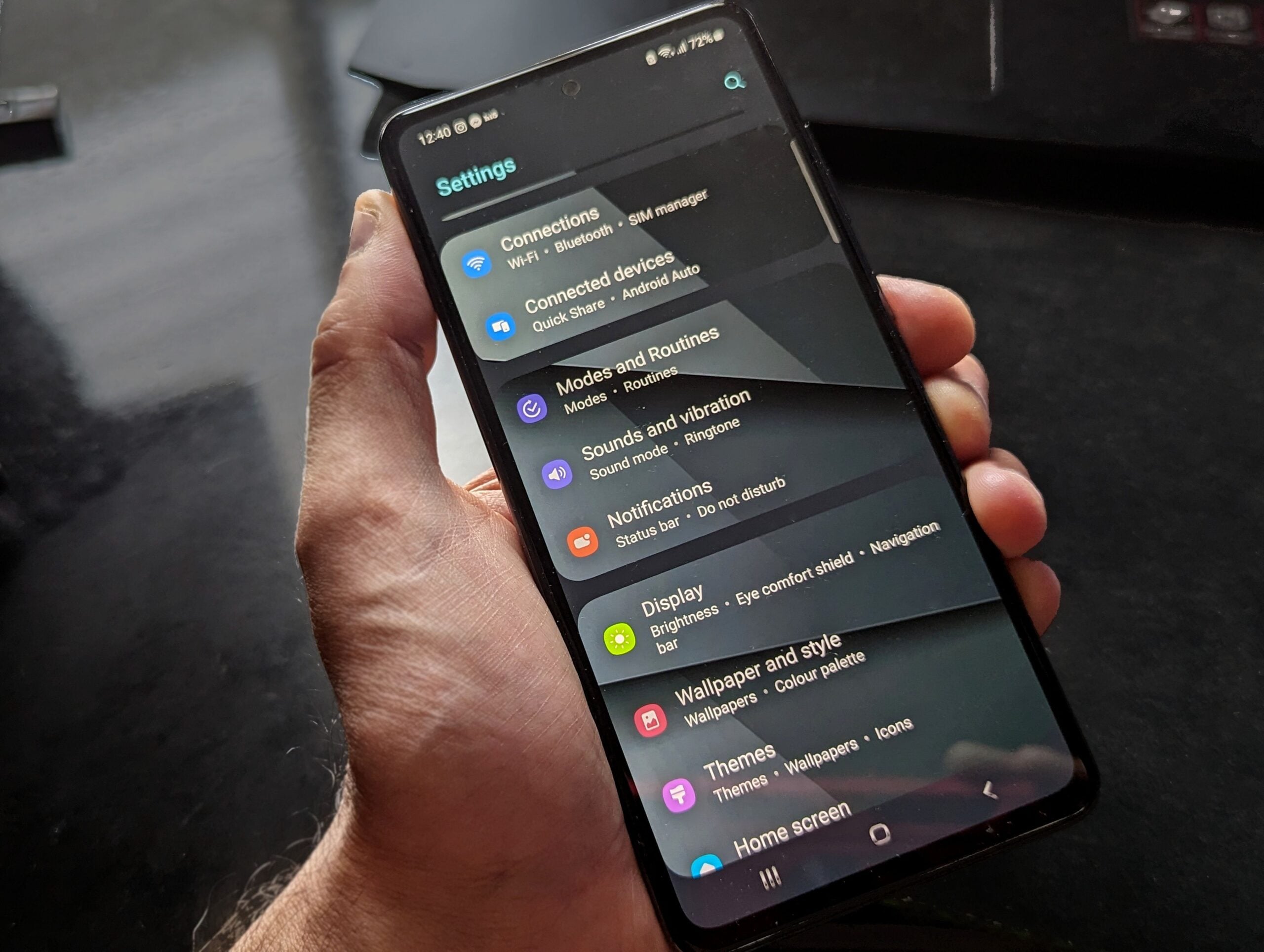
We’ve all had that moment where the Android status bar starts feeling less like a quick-glance tool and more like a junk drawer. A few icons are useful. Too many, and the whole thing stops doing its job.
That is why this small Android change could matter more than it sounds. Code in Android Canary 2607 points to a new Status bar section in Settings, with options to control which system and notification icons appear there.
The headline feature is a toggle for Android Halo, Google’s new AI assistant indicator. There’s also a separate mute icon toggle in the works, which should be good news for anyone trying to keep the top of the screen a little cleaner.
A new Status bar menu appears to be in development
Android Canary 2607 includes strings that describe a dedicated Status bar settings subsection. The summary text says it would let users control system and notification icons shown in the status bar.
That’s notable because Android has long offered pieces of this kind of control, but not always in one obvious place. Right now, some icon settings are scattered. For example, Android already lets users hide the vibration icon through the Sound and vibration menu. What this new section suggests is a more deliberate home for status bar visibility controls.
If Google ships it, the menu would likely make these options easier to find and easier to understand. And frankly, we could use that. A lot of Android customization is powerful, but sometimes it feels like it was hidden by someone who enjoys scavenger hunts.
The Android Halo toggle is the big one
The most interesting setting in the discovered code is a toggle labeled Show assistant agent in status bar. Its summary says it would allow the assistant agent to display task progress and updates in the status bar.
That lines up with how Google introduced Android Halo at Google I/O 2026. Halo is designed as a subtle indicator in the leftmost part of the status bar, where an AI app can signal that an assistant is running, show progress, or ask for attention. Google has also said Halo can become a way to interact with the AI agent without jumping back into its app.
In other words, this is not just decorative UI. Google seems to want Halo to act as a lightweight control surface for agent activity. That’s a pretty ambitious role for a status bar icon, even if the presentation is intentionally minimal.
Still, minimal is doing a lot of work there. For some of us, any persistent AI indicator is one icon too many, especially if it lives in prime status bar real estate. So the existence of an off switch matters.
What Halo seems to depend on
The code also points to a requirement tied to something called Agent Task. Strings in the build indicate that the Halo icon setting only works on devices that support that feature, and users on unsupported hardware would see a message saying Agent Task is not available on their device.
Google has not fully explained Agent Task yet, so we need to be careful here. What the code tells us is that Halo’s status bar behavior appears to depend on this feature. It also suggests Agent Task is distinct from Gemini Intelligence, at least at a baseline level.
That distinction matters. Google has already said Gemini Intelligence will let Android Halo offer additional capabilities, with more details expected later this year. But the current clues suggest Halo is not simply a Gemini Intelligence badge pasted onto the UI. There seems to be a broader assistant task framework underneath it.
We’ve seen this pattern before in Android development. Google often seeds the interface first, then fills in the deeper system behavior later. Sometimes that leads to a cohesive feature. Sometimes it leads to a setting that arrives long before regular users understand why it exists.
A mute icon toggle may be coming too
Alongside Halo, Android Canary 2607 also contains strings for a Mute status bar option. The summary text says it would show when the device is muted, and the toggle purpose describes controlling visibility of the mute icon that indicates silent or mute mode.
This is the sort of change that sounds tiny until we think about how people actually use their phones. Some of us want constant confirmation that the phone is muted. Others already know their sound profile and would rather not give up space for an icon that never tells them anything new.
Google already supports hiding the vibration icon, so a mute toggle would make the behavior more consistent. That’s the part I like most here. Good settings design is not just about adding more switches. It’s about making related controls behave in predictable ways.
Why status bar control matters more than it used to
This is where the UI tradeoff gets real. The status bar used to be a relatively stable strip for signal, battery, time, and a few alerts. But as phones have added more background systems, more contextual indicators, and now more AI behaviors, that tiny area has become contested space.
Every new persistent icon has to justify itself. If it doesn’t, users start tuning the whole strip out. And once that happens, even genuinely useful signals lose value because we’ve trained ourselves to ignore clutter.
That’s why granular controls matter. Not because every icon is bad, but because different users care about different signals. A person who relies heavily on agent workflows may want Halo visible all the time. Someone else may decide that if an AI task needs attention, it can use a notification like everything else.
Giving us the choice is the right call.
What the discovered strings actually tell us
Here’s the clean version of what appears to be in development:
- A new Status bar settings section.
- A toggle to show or hide the assistant agent icon used by Android Halo.
- A dependency on an unannounced Agent Task device feature for that Halo behavior.
- A separate toggle to show or hide the mute icon.
- Closer alignment with the existing option to hide the vibration icon.
That’s enough to sketch Google’s direction, but not enough to guarantee how or when any of it ships.
The usual APK teardown caveat applies
We should keep our expectations in check. These details come from work-in-progress code in Android Canary 2607, which means they point to features under active development, not finished features locked for release.
In Android land, that’s a meaningful difference. We’ve all seen settings appear in test builds months before they surface publicly, and we’ve also seen features vanish, get renamed, or ship in a very different form.
So yes, this looks promising if you’ve been side-eyeing Halo or wishing Android gave you tighter control over top-bar clutter. But until Google flips the switch in a public build, this is still one of those “interesting and plausible” changes rather than a confirmed rollout.
Our read on this one
If Google is serious about putting more AI presence into Android’s core interface, it also needs to be serious about restraint. A visible assistant indicator can be useful. A mandatory one would be a fast way to annoy power users.
That’s why this setting matters. It suggests Google understands that AI features need opt-in polish, not just visibility. And the mute icon toggle helps the same broader point: Android works best when it gives us control over what stays on screen.
We’ll want to see how this menu evolves, especially once Google explains Agent Task and whatever extra role Gemini Intelligence will play. For now, though, the takeaway is pretty simple. Android may be getting a better answer to status bar clutter, and that’s the kind of quality-of-life fix a lot of us will notice every single day.