
The best alternatives to the Steam Machine depend on what you want from a living-room gaming box. If you want the closest SteamOS-style experience, a Steam Deck with a dock is the simplest substitute. If you want the best value for lighter games, a mini PC such as the Beelink SER5 MAX makes more sense. If you want stronger frame rates and ray tracing, a compact prebuilt gaming PC with a discrete GPU is the safer buy.
Valve’s Steam Machine is appealing because it packages Steam, couch controls, and PC flexibility into a small box. The catch is value. Published spec summaries as of July 2, 2026 list it as a semi-custom AMD system with a 6-core Zen 4 CPU, RDNA 3 graphics with 28 compute units, 8GB of GDDR6 graphics memory, 16GB of system RAM, and a starting price around $1,049. That makes comparison shopping worthwhile before you commit.
Quick answer: the best alternatives to the Steam Machine
For most buyers, the best Steam Machine alternative is not one device. It is the device class that best matches your game library. The Steam Machine’s strongest advantage is its dedicated GPU and console-like SteamOS focus. Its weakness is that several cheaper or more powerful options can cover the same living-room role, especially if you are willing to use Windows, stream demanding games from another PC, or tweak Linux.
| Alternative | Best for | What to know |
|---|---|---|
| Steam Deck with a dock | SteamOS-style couch gaming and portability | Less powerful than the Steam Machine, but portable and easy to move between handheld and TV play. |
| Beelink SER5 MAX mini PC | Budget indie, esports, emulation, and streaming setups | Listed around $469 in recent comparisons. It undercuts the Steam Machine but relies on integrated graphics. |
| Ryzen AI mini PC | Small desktop replacement with stronger integrated graphics | Models in this class have been compared around the $959 range. Some use Radeon 8060S-class integrated graphics with 40 compute units. |
| Compact prebuilt gaming PC | Higher frame rates, ray tracing, and Windows game compatibility | Systems such as the Thermaltake Quartz i1460 trade console-like size for stronger discrete graphics. |
| Mini PC with OCuLink | Tinkerers who may add external graphics later | Flexible, but less console-like. You need to plan cables, GPU enclosure needs, power, and desk or media-center space. |
What you are replacing when you skip the Steam Machine
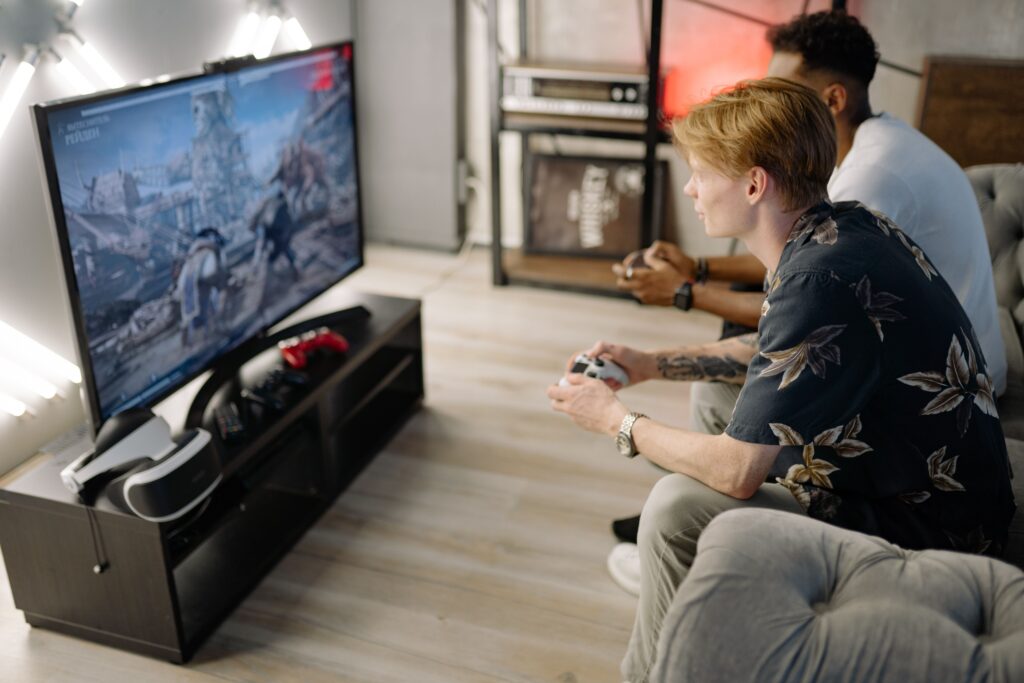
The Steam Machine is not just a small PC. Its pitch is a controlled living-room experience built around SteamOS, Proton, and the Steam library. That matters if you want a console-like startup, controller-first navigation, and fewer Windows updates on a TV.
The hardware matters too. A dedicated RDNA 3 GPU with 8GB of GDDR6 gives the Steam Machine a real advantage over most cheap mini PCs. Integrated graphics have improved, but they still share system memory and power limits. For newer AAA games, the dedicated GPU is the main reason Valve’s box can justify costing more than a basic mini PC.
The alternatives win in different ways. A Steam Deck adds portability. A mini PC cuts cost. A compact desktop can outpace the Steam Machine. A Ryzen AI or OCuLink mini PC gives you a small, flexible machine that can handle more than games. The right choice depends on which compromise bothers you least.
Best SteamOS-like alternative: Steam Deck with a dock
A docked Steam Deck is the easiest answer if you want Valve’s software experience without buying a separate living-room PC. It runs SteamOS, supports Proton for many Windows games, and can switch from handheld play to TV play with a USB-C dock, controller, and power adapter.
The tradeoff is performance. The Steam Deck was designed as a handheld, so it targets lower power use and lower resolutions than a dedicated TV box. It is a good fit for indie games, older games, 2D titles, emulation, and lighter 3D games. It is not the best choice if your main goal is high settings at 4K.
Pay attention to the dock rather than buying the first one you see. Look for HDMI output that matches your TV, USB ports for accessories, Ethernet if you want stable downloads or streaming, and enough power delivery for charging while docked.

Anker Steam Deck Dock, 6-in-1 4K@60Hz HDMI Docking Station for Steam Deck | USB-C & 2 USB-A Data Ports, 1 Gbps Ethernet, Fast Charging, for Steam Deck (OLED)/ROG Ally/Legion Go (Not for Rog Ally X)
Best budget alternative: Beelink SER5 MAX mini PC
The Beelink SER5 MAX is the clearest budget-style Steam Machine alternative in the research landscape because it aims at a different value equation. Instead of trying to match Valve’s dedicated GPU, it gives you a compact Windows or Linux-capable PC at a much lower price. Recent comparisons have placed it at roughly $469, though mini PC prices change often and should be checked before purchase.
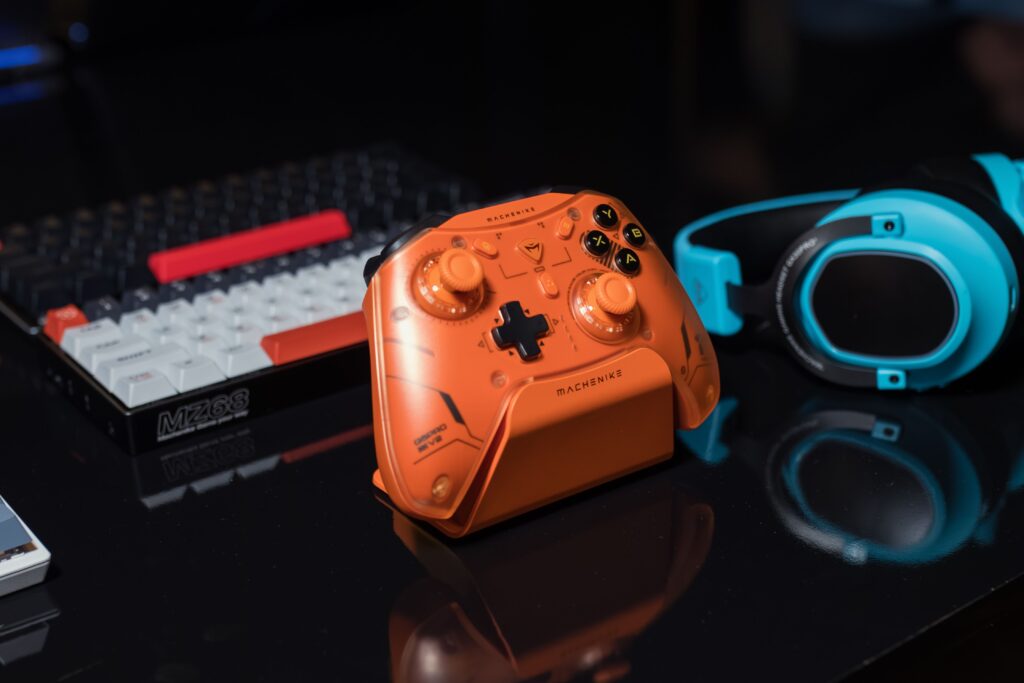
This kind of mini PC is strongest with indie games, esports titles, older AAA games, cloud gaming, media apps, and home-server duties. It can also work well with Sunshine and Moonlight if you already own a stronger gaming desktop in another room. In that setup, the mini PC becomes a quiet TV endpoint while the main PC does the heavy rendering.
The limitation is simple: no integrated-graphics mini PC in this price class should be treated like a full replacement for a dedicated gaming GPU. If you expect demanding new games at high settings, you will hit limits faster than you would on the Steam Machine or a prebuilt desktop.

Beelink SER5 MAX Mini PC,AMD Ryzen 7 7735U(8C/16T,up to 4.75 GHz),Mini Computer 24GB LPDDR5 RAM 500GB SSD Graphics 12 core 2200 MHz,Support 4K Triple Display/HDMI+DP+Type-C/Wifi6/BT5.4/USB3.2
Best performance alternative: a compact prebuilt gaming PC
A compact prebuilt gaming PC is the practical choice if performance matters more than console-like simplicity. Systems in this category can include desktop CPUs and discrete graphics cards, which gives them a clear advantage in demanding games, ray tracing, upscaling support, and long-term upgrade options.
The Thermaltake Quartz i1460 is an example of the class. It has been listed with an Intel Core i5-14400F, RTX 5060 graphics, 16GB of DDR4 memory, and a 1TB NVMe SSD, with a cited price of $998.99 in recent retail-focused comparisons. The exact price and configuration can change, but the broader point holds: a compact Windows gaming PC near the Steam Machine’s price can offer stronger GPU features and wider native Windows compatibility.
Other small prebuilts, including systems such as the STORMCRAFT Sirius, may also make sense if the case fits your space and the GPU is stronger than the Steam Machine’s integrated platform target. Do not buy only by brand name. Compare the GPU, cooling, RAM, storage, warranty, and return policy.
Best small-PC middle ground: Ryzen AI mini PC or OCuLink mini PC
Ryzen AI mini PCs sit between budget mini PCs and full gaming desktops. Some models use AMD integrated graphics that are much stronger than older laptop-style iGPUs. Radeon 8060S-class graphics, for example, have been discussed with 40 compute units, which makes this category more credible for compact gaming than older mini PCs.
These machines still have tradeoffs. Integrated graphics share system memory, and performance depends heavily on memory speed, cooling, power limits, and driver support. They can get close enough for many living-room players, but the Steam Machine’s dedicated graphics memory remains a meaningful advantage for heavier games.
OCuLink adds another route. A mini PC with OCuLink can connect to external graphics hardware with more bandwidth than a typical USB graphics setup. That makes it attractive if you want a tiny computer now and might add a desktop GPU later. It is not the neatest living-room option, and it is not the easiest setup for a non-tinkerer, but it can be powerful when planned carefully.
How to choose the right Steam Machine alternative
Start with your games, not the box. A living-room PC for Stardew Valley, Hades, Rocket League, older RPGs, and emulators does not need the same hardware as one built for Cyberpunk-style visuals, ray tracing, or high-refresh 4K play.
- Choose your software comfort zone. Pick SteamOS or Linux if you value a console-like Steam interface. Pick Windows if you need the widest launcher, anti-cheat, mod, and peripheral compatibility.
- Set your performance target. For 1080p lighter games, a mini PC can be enough. For demanding games, prioritize a discrete GPU.
- Decide if streaming is part of the plan. Sunshine and Moonlight can make a cheap mini PC feel far stronger if another gaming PC is doing the work.
- Check storage and memory before checkout. Modern games can fill a small SSD quickly, and integrated graphics benefit from enough fast system memory.
- Plan the living-room setup. Confirm HDMI output, Bluetooth or 2.4 GHz controller support, Ethernet, fan noise, and whether the case fits your TV stand.
Price should be the final filter, not the first one. A cheaper box is not a better deal if it cannot run your library. A more powerful tower is not a better fit if it is too loud, too large, or too Windows-heavy for the couch.
Compatibility issues to check before buying
Game compatibility is the hidden part of every Steam Machine alternative. Proton has made Linux gaming far more practical, but some multiplayer games with anti-cheat systems still work better on Windows or may not work on Linux at all. Check the games you play most before choosing SteamOS, Bazzite, Batocera, or another Linux-based setup.
Controller support also deserves attention. Steam Input is excellent for many games, but launchers outside Steam can complicate the experience. If you use Epic Games Store, Xbox app titles, Battle.net, or heavily modded games, a Windows prebuilt may save time even if it feels less console-like.
Thermals matter more in the living room than they do on a desk. Small boxes can be quiet under light loads and noisy under gaming loads. Read configuration-specific reviews when available, because the same CPU or GPU can behave differently depending on the case, fan curve, and power limits.
Which alternative should you buy?
Buy a Steam Deck with a dock if you want portability and a familiar SteamOS interface. Buy the Beelink SER5 MAX or a similar mini PC if you mainly play lighter games, stream from a stronger desktop, or want a box that also works as a media server or general-purpose PC.
Choose a compact prebuilt gaming PC if you want the most performance for the money and do not mind Windows in the living room. Look for a discrete GPU, at least 16GB of RAM, an NVMe SSD, and a case that will not overwhelm your media setup. Consider a Ryzen AI mini PC if you want a small desktop replacement and can accept integrated-graphics limits.
The Steam Machine is still the cleanest choice for buyers who want Valve’s living-room vision in one box. The best alternatives to the Steam Machine win when you define the job more narrowly: cheaper couch gaming, portable SteamOS play, stronger GPU performance, or a more flexible mini desktop. Match the device to your library, verify the latest price and configuration, and you will avoid paying for the wrong compromise.