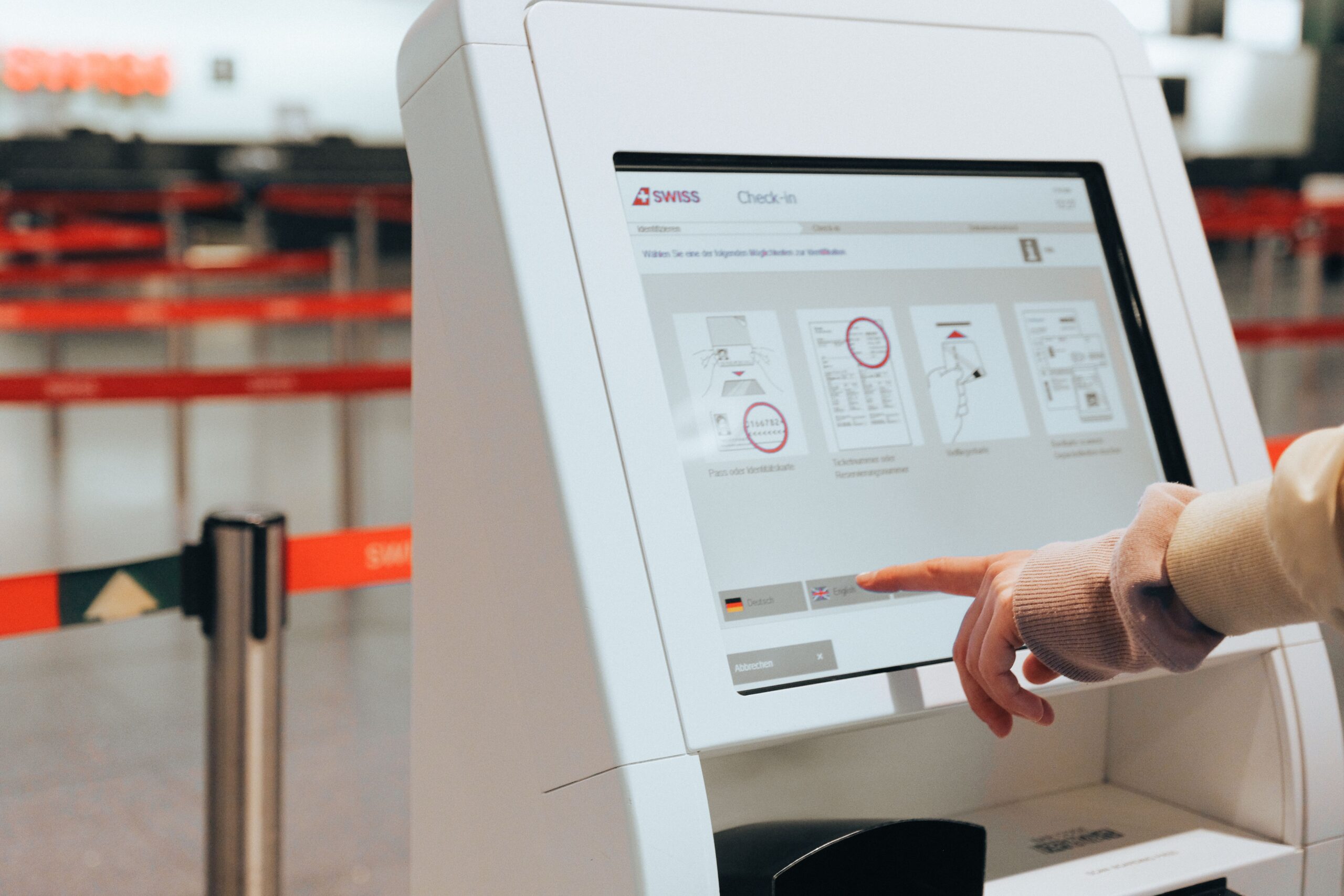
We can stop juggling documents at security lines… mostly
If you have TSA PreCheck, you have probably enjoyed skipping the shoe shuffle and the laptop-out routine. Now Google Wallet is adding support for the TSA’s PreCheck Touchless ID program. That means if you use Google Wallet, you can enroll once through the wallet and present your boarding pass in advance so the TSA can let you use the Touchless lane at participating airports. This doesn’t change who qualifies for PreCheck – it just changes how our documents are presented at the checkpoint, which is the sort of small, practical improvement we like.
What this change actually does
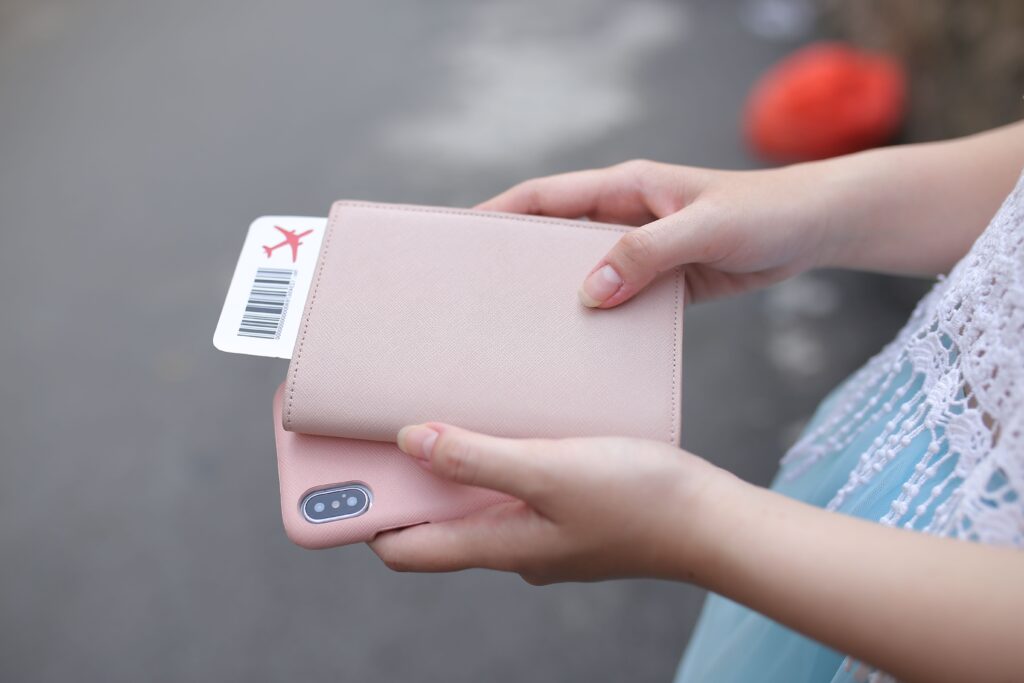
In plain terms, Google Wallet becomes the first digital wallet to integrate with TSA PreCheck Touchless ID. The workflow Google describes goes like this: add your passport and your boarding pass to Google Wallet, check your in-app boarding pass for a Touchless ID badge, and, if you see it, tap Get started to enroll on the TSA website. Once enrolled through Wallet, you do not need to register with each airline for the Touchless feature. The important bit for us is that the Wallet flow links the passport credentials we already carry to the TSA’s matching process, so we aren’t repeatedly uploading the same documents to multiple airline apps.
Step-by-step: how to try it
- Add your passport to Google Wallet, if you have not already.
- Add the airline boarding pass for your upcoming flight to Google Wallet.
- Open the boarding pass in Wallet and look for the Touchless ID badge.
- If the badge appears, tap Get started and follow the enrollment steps hosted on the TSA website.
- At the airport, proceed to the PreCheck Touchless line at participating checkpoints and follow the on-site instructions.
Quick comparison: Touchless ID now vs before

| Before Google Wallet integration | With Google Wallet integration | |
|---|---|---|
| Enrollment | Often required separately for each airline or via airline-specific steps. | Enroll once through Google Wallet, which links to the TSA enrollment flow. |
| Boarding pass prep | Airline procedures varied for pre-sharing boarding passes and documents. | Boarding pass and passport live in Wallet; Wallet shows a Touchless ID badge when supported. |
| Document display at checkpoint | Travelers often had to show documents and a boarding pass manually. | TSA can use the pre-shared boarding pass and a face scan at Touchless kiosks. |
| International travel using digital passport | Not allowed for international entry. | Still not allowed. Physical passport remains necessary for international travel. |
What this fixes and what still needs work
The clear win here is convenience. The airline-by-airline prep that used to be part of Touchless ID is awkward for frequent flyers who hop between carriers. Having a single enrollment path through Wallet reduces friction and makes it easier to know whether your credentials are in the system. For those of us who move between airlines midweek, that small reduction in busywork adds up.
That said, this is not a replacement for physical documents. You cannot use a digital passport in place of a physical passport for international travel. The Wallet integration also depends on participating airports and TSA checkpoints, so this will not be universally available right away. Google says the rollout is happening over the coming weeks, and adoption will be gradual as airports and individual checkpoints flip the feature on.
Privacy and the face-scan bit
Use of Touchless lanes involves the TSA scanning a traveler’s face at the checkpoint as part of identity verification. If you are comfortable with Google digitizing your passport and the TSA performing a face scan, this Wallet integration should save time. If you have privacy concerns, look at the TSA’s PreCheck Touchless ID program page and Google’s Wallet support information to understand how data is collected and used before you enroll. We should be honest with ourselves: adding a biometric match step is the tradeoff here — faster throughput at the cost of a live face check — and that tradeoff is going to land differently for different people.
Practical tips for testing it
- Bring your physical passport and any required documents to the airport. The TSA explicitly recommends having physical copies available as backup.
- Check the boarding pass in Wallet well before you arrive so you can see whether the Touchless badge is present and enroll in advance if prompted.
- Look for signage at security that marks a lane as PreCheck Touchless or ask a TSA agent at the checkpoint whether Touchless is active that day.
- If you travel on multiple airlines, enroll through Wallet first rather than repeating airline-specific steps when possible.
- If the Touchless badge doesn’t appear, it’s usually because the airline hasn’t shared the necessary boarding-pass metadata with Wallet yet, not because something’s wrong with your PreCheck status.
When you should care
If you fly often and use PreCheck, this is the sort of incremental improvement we appreciate. It does not fundamentally change screening requirements or replace the need to carry your passport for international trips. But it reduces the number of steps we need to take before heading to the airport for domestic flights that support Touchless, and for that cohort the time savings are real. For occasional flyers, it’s a neat convenience, but not a must-have.
Where to read more
For specifics on enrollment and the Touchless program, see the TSA’s PreCheck Touchless ID program page. For details about how Google Wallet implements the integration and the exact in-app prompts, check Google’s Wallet support or announcement on the subject. Those two sources will have the enrollment flow and privacy details we would want to review before we sign up.
Our take
We like this move. It is practical and reduces friction for people who already trusted the system enough to enroll in PreCheck. We will be watching how quickly participating airports adopt the Touchless lanes and whether the single-enrollment model actually spares travelers from repeated airline steps. If you travel with PreCheck, it is worth checking Wallet and the TSA pages before your next trip so you know whether the Touchless lane is an option. And yes, bring your passport anyway.