
We finally have a real Google Finance app on Android
We can stop tapping a browser shortcut. Google has released a native Android app for Google Finance that puts watchlists, live market data, financial news, and a set of AI tools into an installable mobile app. The app is available on the Play Store and is meant to bring the redesigned Google Finance experience to phones, with more features from the web interface coming later. It signs into your Google account and syncs watchlists and portfolio data across devices so we don’t have to rebuild anything when we switch from phone to browser.
What the Android app includes right now
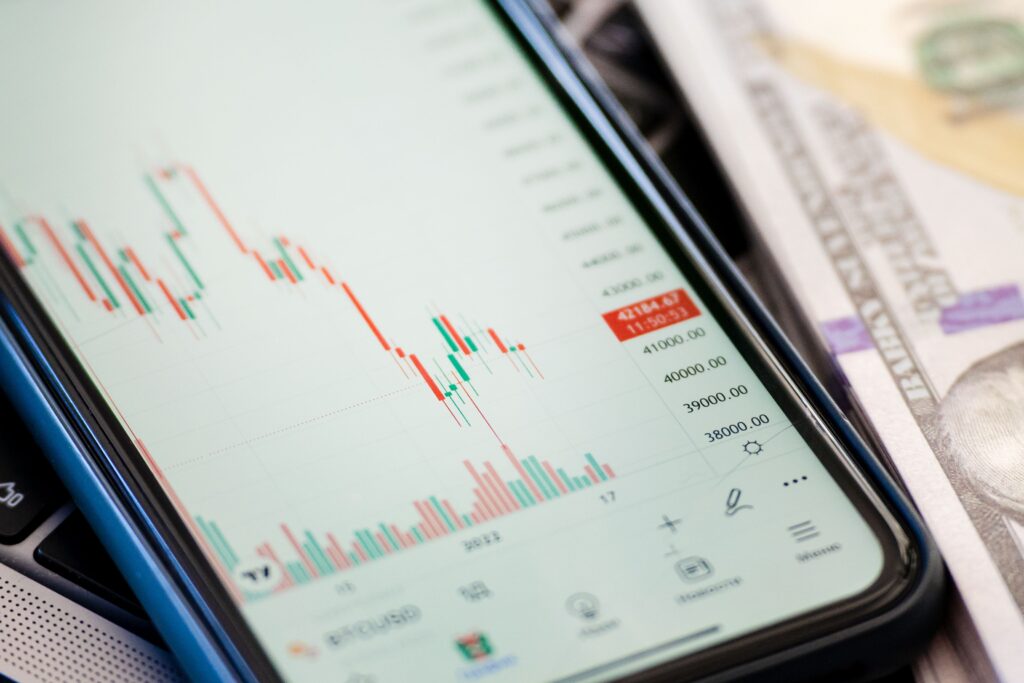
At launch, the Android app focuses on the things most of us check several times a day. The headline features are:
- Watchlists and real-time market data so you can follow tickers on the go.
- Financial news curated alongside price changes.
- AI-generated “key moments” that summarize why a stock moved, rather than leaving us to piece together headlines ourselves.
- A redesigned portfolio dashboard that shows overall performance, asset allocation, and personalized insights. The newly redesigned portfolio experience is rolling out globally.
How to get your portfolio into the app
Importing an existing portfolio is meant to be straightforward. Google says existing Google Finance portfolios will be migrated automatically. For new setups, the app and web service accept CSV and PDF uploads, let you import screenshots of holdings, and even allow plain-language descriptions for the AI to build a portfolio from scratch. That lowers the friction for people who keep holdings in spreadsheets or screenshots. There’s a preview step in the import flow that shows how columns map to fields so we can confirm the data before it hits our account.
Import options at a glance
- CSV file upload
- PDF file upload
- Import from screenshots
- Describe holdings in plain language for AI-assisted creation
AI features we can actually use

There are two classes of AI functionality worth calling out. First, the app surfaces AI-generated “key moments” tied to price moves. Those are short explanations of why an instrument changed in value, so we don’t have to hunt through headlines and earnings calendars to get context.
Second, there is a more advanced AI research tool that can answer portfolio-level questions. You can ask about sector exposure or how your fixed-income allocation might affect long-term growth and get conversational answers rather than a bunch of raw numbers. The service also includes automated, recurring AI briefings that run on a schedule you set and can pull in data from your watchlist or portfolio for personalized updates. We found the briefing options include common cadences like daily or weekly, plus custom intervals you can pick, which is handy when you want a quick market check versus a deeper weekly summary.
Notifications and cross-device access
When a briefing is ready, Google will send a notification through the Google app on Android or iOS. You can also view and edit the scheduled research tasks from the Google Finance web interface. Google says additional web-only features such as live earnings calls and more portfolio management tools will come to the mobile app over time. On Android, notifications use the platform’s standard push system so they behave like other app alerts; we recommend checking notification settings and the app’s permissions for account access before importing sensitive files.
Quick comparison: Android app today, web version now, and planned additions
| Feature | Android app (available) | Web version (available) | Planned for mobile |
|---|---|---|---|
| Watchlists | Yes | Yes | — |
| Real-time market data | Yes | Yes | — |
| AI-generated key moments | Yes | Yes | — |
| Portfolio dashboard | Rolling out globally | Available | Feature parity improvements |
| Scheduled AI briefings | Yes, with notifications | Yes, editable | — |
| Live earnings calls | Planned | Available on web | Coming to mobile later |
What this means for people who actually use finance apps
For casual trackers and people who keep a few tickers on a watchlist, this mainly reduces friction. We can check live prices and get AI summaries without switching between a browser, a media app, and our notes. For more active investors, the ability to import complex portfolios via CSV or PDF, plus AI research that answers portfolio-level questions, looks like a useful time-saver.
That said, we want to be clear about a couple of practical points. First, Google itself says the app will gradually gain full parity with the web platform, so if you rely on features such as live earnings calls today, you may need to keep using the web interface until those land in mobile. Second, whenever a service ties personal holdings to scheduled AI research, it’s worth checking the permissions and data handling in the product documentation before importing sensitive files. We’d want to double-check those details in Google’s own privacy and help documentation.
How we’ll be using it and what to watch for
- Try the import flow with a small, sample CSV to confirm the mapping and data handling.
- Set up a scheduled AI briefing for a watchlist item and evaluate the usefulness of the summaries over a week.
- Compare AI “key moments” against actual headlines and earnings notes to see how much context the summaries capture.
Where this fits in the app ecosystem
Google Finance’s Android app is not the only mobile finance tool out there, but it does bring a combination of watchlists, news, and AI that we haven’t seen packaged this way from Google before. If the scheduled briefings and AI research deliver consistent, relevant answers, the app could become a convenient hub for both casual portfolio checks and initial research. We will be watching for iOS availability later this year and for the promised mobile additions like live earnings calls.
Our take
We like the direction. Making a proper Android client is a basic step, but the more interesting part is the AI layer and the portfolio import flows. If those tools actually save us the time we normally spend hunting for context, this app will be useful for many investors who prefer to do quick checks from their phones. For now, let’s test the import and briefing workflows and compare the AI’s take against actual earnings notes and news items. Then we can decide whether the mobile app belongs in our daily routine.
What do you all think — are we installing it, or sticking with the web until feature parity arrives? Let’s compare notes when we’ve used it for a week.