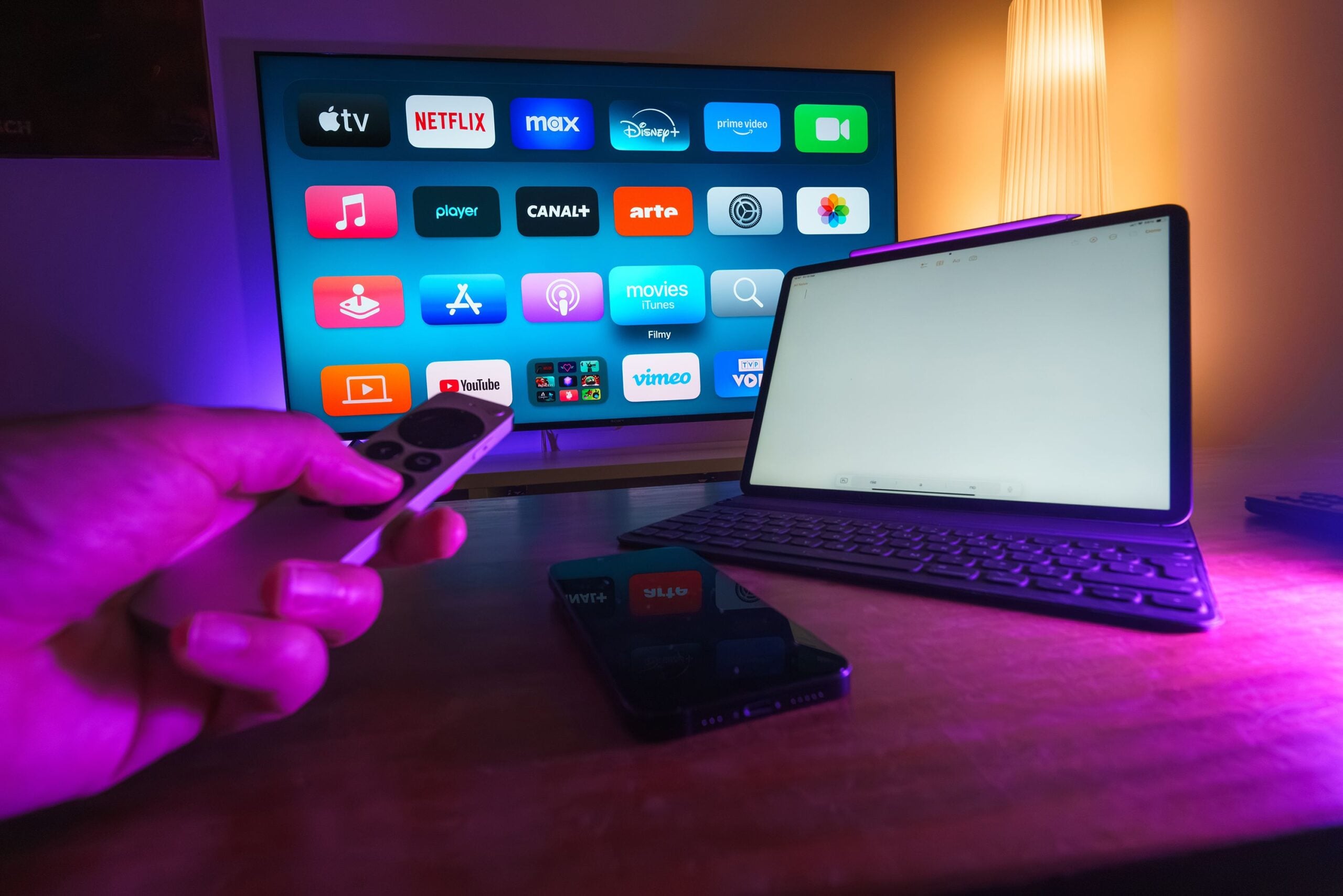
We’ve all had that moment with the Apple TV remote. It slips into the couch, lands face-down on the floor, or decides that the exact thing we did not want was the thing it was absolutely going to register. Apple’s own replacement Siri Remote is listed at $59, which is not exactly impulse-buy territory when all we really want is to get back to watching something.
If we can live without Siri voice control, there are several cheaper options on the market that focus on the part that matters most: reliable buttons. The tradeoff is simple. We give up the microphone and some of Apple’s tighter integration, and in return we get tactile controls, easier battery swaps in most cases, and in a few cases a remote that’s harder to lose in the cushions. Frankly, some of us will call that a win.
What all of these replacements have in common
Before we get into the list, there’s one limitation we should be clear about. These alternatives do not support Siri. If we want voice commands, we still need Apple’s original remote or the Remote feature built into Control Center on iPhone and iPad.
Past that, the appeal is pretty obvious. These remotes aim to solve the most common complaints people have with Apple’s design, especially accidental swipes, touch controls that feel too sensitive, and the pain of replacing an expensive official unit after one bad drop.
- All five options come in below Apple’s $59 official replacement price
- Most lean on physical buttons instead of touch navigation
- Several can also control TV power, volume, and mute
- Most use AAA batteries, which some users may prefer to recharging
Quick comparison: which remote fits which kind of user?
| Remote | Connection | Power | Best for | Price mentioned |
|---|---|---|---|---|
| Function101 Button Remote for Apple TV | Bluetooth Low Energy | 2 AAA batteries | Users who want a premium button-first replacement | $30 to $40 |
| Loutoc replacement remote for Apple TV 4K | Infrared | 2 AAA batteries | Budget buyers who want simple setup | $9.99 |
| Nettech replacement control | Noted as universal, USB rechargeable | USB charging | Users who want rechargeability and warranty coverage | $29.99 |
| Yosun replacement remote | Infrared | 2 AAA batteries | Cheap and straightforward day-to-day use | $9.99 |
| Channel Master Simple Remote CM-7000XRC | Infrared | 2 AAA batteries | People who want a bigger, sturdier remote | $29 |
1. Function101 Button Remote for Apple TV
This is the option that seems most focused on replacing the Apple TV experience without copying Apple’s design too literally. The Function101 Button Remote for Apple TV uses Bluetooth Low Energy, and the company says it can work alongside an existing Siri Remote rather than forcing us to unpair it.
That matters more than it might sound. Bluetooth generally gives us more flexibility than a line-of-sight infrared remote, and it means we do not have to point the remote directly at the box every time. Function101 also says the remote covers the essentials, including navigation, volume control, mute, and power functions.
The bigger selling point, though, is feel. Users consistently describe it more like a traditional streaming remote, closer to a familiar Roku-style clicker than Apple’s slim touch-heavy approach. For a lot of us, that’s the whole pitch, and it lines up with why people go hunting for Apple TV remote alternatives in the first place.

Function101 Button Remote for Apple TV (Bluetooth Edition) — Apple TV Replacement Remote for Apple TV 4K & All Models | Bluetooth + Infrared | Traditional Button Layout | 2 AAA Batteries Included
It uses two AAA batteries, and the price lands between $30 and $40. That still keeps it well under Apple’s own replacement price while feeling like a more deliberate upgrade than the ultra-cheap IR options.
Why we’d pick it
- Bluetooth Low Energy instead of basic IR
- Physical controls for the main Apple TV functions
- Works with major streaming apps
- May also be useful with devices beyond Apple TV
2. Loutoc replacement remote for Apple TV 4K
If price is the main concern, Loutoc’s replacement remote is one of the clearest low-cost plays here. It is built for Apple TV 4K and HD models and swaps Apple’s touch surface for 11 tactile buttons.
That sounds basic, but basic is exactly what a lot of us want from a remote. Infrared means we’re dealing with a more traditional setup, and it also means no Siri support. In exchange, buyers get a button layout that is meant to be predictable, plus universal power and volume programming for major TV brands.

Replacement for Apple-TV-4K-Remote, Remote Control for Apple TV 4K/HD | NOT Siri and Voice, Infrared Remote, with User Manual, Easy Pairing, ABS Material
The remote runs on two AAA batteries and is described as plug-and-play, with a straightforward pairing process. At $9.99, it is one of the cheapest ways to get an Apple TV back under control after the original remote goes missing or breaks. If we’ve already spent enough on streaming gear this year, that kind of price is hard to argue with.
Why we’d pick it
- Very low price
- Tactile buttons instead of a glass touch interface
- Compatible with Apple TV 4K and HD models
- TV power and volume programming included
3. Nettech replacement control
Nettech’s remote sits in the middle of the pack on price, but it stands out for one reason: rechargeability. Instead of AAA batteries, this model can be charged by USB, which is handy if we’d rather plug in occasionally than keep spare batteries around.
The remote is positioned as a universal replacement for Apple TV models, and buyers describe it as comfortable to use and easy to navigate with. It is also said to be slightly thicker than Apple’s own remote, which honestly may be a feature depending on how often ours disappears into the sofa dimension.

Replacement Remote Control for All Apple TV Remote - 2 Year Warranty
There is also a practical benefit beyond charging. Nettech offers a one-year warranty on this version, which adds some reassurance in a category where cheap accessories can be hit-or-miss. The listed price is $29.99. A cheaper version exists, but user feedback is notably less kind on button feel and consistency, so the pricier model appears to be the one worth considering.
Why we’d pick it
- USB rechargeable battery
- Designed for broad Apple TV compatibility
- One-year warranty
- Better-reviewed than the cheaper Nettech variant
4. Yosun replacement remote
Yosun’s Apple TV replacement remote takes the no-frills route. It is a lightweight black clicker with a directional pad and physical buttons, and it keeps the cost down at $9.99.
Like the Loutoc model, this one uses infrared, so we should not expect voice features. What we do get is immediate usability. The setup is described as simple: insert two AAA batteries and start using it. The stated range goes up to 20 meters, and it includes programmable power, volume, and mute buttons for Samsung, LG, and Sony TVs.

Replacement Remote Control for Apple TV 4K/HD (NOT Siri & Voice Control)
There’s also a one-year warranty, which is nice to see at this price. More than anything, this remote seems aimed at people who are tired of using a phone app and just want a cheap physical controller that works. If that sounds familiar, we’ve seen the same appeal in plenty of best streaming device accessories, where simplicity usually wins over cleverness.
Why we’d pick it
- Low price
- Simple directional pad layout
- Immediate setup with AAA batteries
- TV control support for several major brands
5. Channel Master Simple Remote CM-7000XRC
This one goes in a different direction from Apple’s minimalist design, and some of us will probably appreciate that right away. The Channel Master Simple Remote CM-7000XRC is larger and sturdier than the Siri Remote, which makes it easier to hold and probably harder to misplace.
It uses infrared with a stated 30-foot line-of-sight range and works with Apple TV 4K and HD models. The button layout includes the native controls we’d expect, including Home, plus a dedicated playback cluster. It can also be programmed with a built-in code search for TV or soundbar power, volume, and mute.
No products found.
At $29, this option sits near the Nettech and Function101 models in price, but its appeal is different. It is less about sleekness and more about predictability. It also uses two AAA batteries and includes an LED low-battery indicator, a small touch that is genuinely useful, especially compared with remotes that seem to die only when we’ve finally sat down.
Why we’d pick it
- Larger body that is easier to grip and find
- Works out of the box with Apple TV 4K and HD
- Programmable TV and soundbar controls
- Low-battery LED indicator
What we give up by skipping Apple’s official remote
The biggest missing feature is Siri, full stop. If voice search matters to us, or if we rely on Apple’s deeper ecosystem features, the official remote still has a clear advantage. Apple’s remote also supports Apple’s own design language more closely, including the touch-driven navigation that some people genuinely like.
But if we’re being honest, the source of frustration for many users is that exact touch-first design. The appeal of these replacements is not that they out-Apple Apple. It’s that they avoid the parts some of us never liked in the first place. If we’ve had similar debates around streaming device remote problems, the pattern is pretty familiar: the smarter the remote tries to be, the more some of us start missing plain old buttons.
| If you care most about… | Best fit |
|---|---|
| Closest thing to a polished premium alternative | Function101 Button Remote for Apple TV |
| Lowest possible price | Loutoc replacement remote or Yosun replacement remote |
| Rechargeable battery | Nettech replacement control |
| A bigger, sturdier remote | Channel Master Simple Remote CM-7000XRC |
Our take
If we just want the safest all-around pick, Function101 looks like the strongest balance of features and usability. If we want to spend as little as possible, Loutoc and Yosun make the most sense. And if we’re tired of dainty remotes that vanish into furniture and crack the first time they hit hardwood, the Channel Master option has a very obvious charm.
The broader point is simple. We do not have to spend $59 just to get our Apple TV working again. If tactile buttons, lower cost, and fewer accidental swipes sound good to us, these five replacements are all worth a look, and they make a pretty solid case alongside other Apple TV tips and accessories that convenience does not always have to cost more.