YouTube Premium is easier to justify when you use the whole package
YouTube Premium has always had a simple pitch: pay the monthly fee and stop seeing ads. But after a price increase in April, the service looks a lot less convincing if that is the only perk you care about.
The better argument is that Premium works best when you treat it like a bundle. It includes YouTube Music, offline downloads, background playback on mobile and access to experimental features that free users do not get. For people who already spend a lot of time inside YouTube, those extras can add up quickly.
That does not mean the subscription is automatically worth it for everyone. It does mean the value changes a lot depending on how you watch, listen and travel.
Start by looking for free months before you pay full price
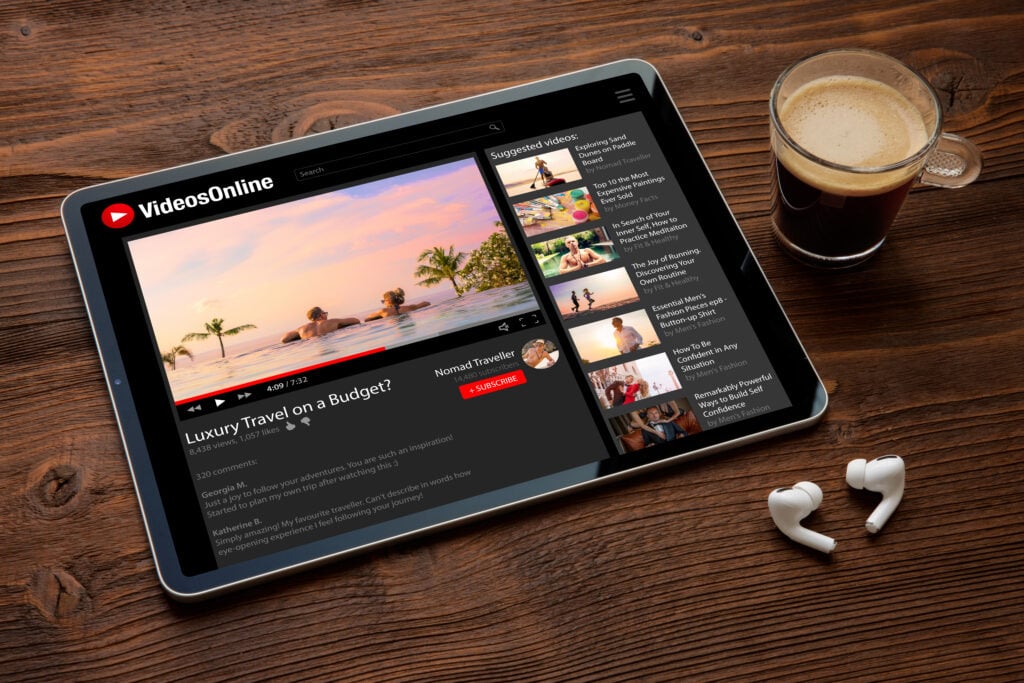
One of the easiest ways to improve the math is to avoid paying the list price from day one. Engadget notes that YouTube Premium is often bundled with phones, tablets, wireless plans and retail promos, which can add several free months to a subscription.
The article points to current offers such as six free months through Google Fi and three free months with a new Pixel 10a purchase. It also notes that some offers can stack, although the fine print matters. In the examples cited, one deal applied only to new YouTube Premium subscribers.
That kind of promo changes the value proposition fast. A year with half the term covered by free months is effectively a half-price subscription, and there is usually no penalty for canceling once the trial ends.
YouTube Music is the perk people overlook the most
If you already pay for Premium, you already have access to YouTube Music. That makes the service a possible replacement for a separate music subscription, especially if you do not care much about extras like lossless audio.
Engadget highlights one of YouTube Music’s biggest strengths: it is built around your existing YouTube history. That means recommendations can feel familiar faster than on a brand-new music app. It also supports uploads from local files, with a browser-based upload flow on desktop and an Uploads tab in the mobile apps to keep personal tracks separate from streaming content.
The app also fits neatly into Google’s ecosystem, with support across Android Auto, Google Home, Google TV and Gemini. Podcasts are part of the package too, which makes the subscription more useful if you already use YouTube as both a video and audio platform.
Downloads matter more than people think
Offline viewing is another feature that sounds small until you actually need it. Premium lets users download videos for later playback on iOS, Android and desktop, which is especially handy for flights, subway commutes or places with unreliable data coverage.
Downloads are accessed from the app’s three-dot menu, then found in the Downloads section under the You tab. Engadget also points out that Smart Downloads is turned on by default for Premium subscribers. That feature automatically saves videos the app thinks you will want next, then clears them out after viewing to save space.
There is a tradeoff, though. Smart Downloads can drain battery life, and downloaded videos are capped at 1080p. For users with 1440p or 4K screens, that limit may feel like a step down. The good news is that the feature can be turned off in the app settings.
Background play is still one of the best reasons to pay
Background playback may be the single most practical Premium feature. On mobile, videos keep playing when you leave the YouTube app, which is useful for podcasts, music, long interviews and other content that does not require constant screen time.
Engadget notes that a browser workaround used by free users was recently shut down by Google. Free users can still use picture-in-picture mode, but playback stops when the screen turns off. Premium avoids that limitation, which makes it much more useful for chores, workouts and commutes.
Android users should keep one thing in mind: aggressive battery management can still kill background playback if the system decides the app is using too much power. That is an operating system issue, not a YouTube feature, but it can still interrupt the experience.
Experimental tools can be surprisingly useful
Premium subscribers also get early access to experimental and beta features. In the current lineup, Engadget says the opt-in test includes an Ask YouTube search mode built on Google’s Gemini AI model.
Some of the more practical additions have been simple quality-of-life upgrades. Auto Speed, which rolled out to Premium users in April, adjusts playback speed based on what is happening in a video. It can speed up slower speech and ease off when the content gets more complex.
Premium users also get access to faster playback speeds up to 3.0x and a more precise speed slider. Another useful feature is Jump Ahead, which jumps past the part of a video most viewers tend to skip. For anyone tired of sponsored segments, that one alone may be a strong argument for keeping the subscription.
What YouTube Premium is really selling
The bigger picture is simple. YouTube Premium is not just a cleaner version of the site without ads. It is a bundle of convenience features that start to make sense when you watch a lot, listen a lot or move between devices often.
If you only use YouTube occasionally, the monthly cost may still feel high. But if you can take advantage of Music, downloads, background play and the occasional free trial bundle, the service becomes easier to defend as more than an ad-removal fee.
That is the core of the case Engadget makes here: the value is not in one feature. It is in whether you use enough of them to make the subscription feel earned.