If you keep seeing VPN ads and wondering what is a VPN and do you actually need one, the honest answer depends on where you connect and what you want to hide. A VPN encrypts the link between your device and a server run by the VPN company, which is useful on public Wi-Fi and far less useful than the marketing suggests for almost everything else.
This guide explains how a VPN works, what it protects and what it leaves exposed, the situations where it helps, when you can skip it, and how to choose a provider you can trust.
What Is a VPN and How Does It Work?
A VPN, or virtual private network, is an app or router setting that sends your internet traffic through an encrypted tunnel to a server operated by the VPN provider. From there, your requests continue to the websites and services you are using.
Two things change as a result. The local network, whether that is a cafe hotspot or a hotel router, sees only scrambled data going to the VPN server. And the websites you visit see the VPN server’s IP address instead of your home or phone address.
That second point is why people use VPNs to appear in another country. It is also the source of the main catch: the VPN company now sits where your internet provider used to, and it can see where your traffic is going.
What a VPN Protects and What It Does Not
What You Get
The FTC, in guidance on VPN apps from February 2018, describes the main benefit: with an encrypting VPN, someone snooping on the same network sees only gibberish, even when a site does not use encryption itself. That is the strongest case for a VPN, and it still holds.
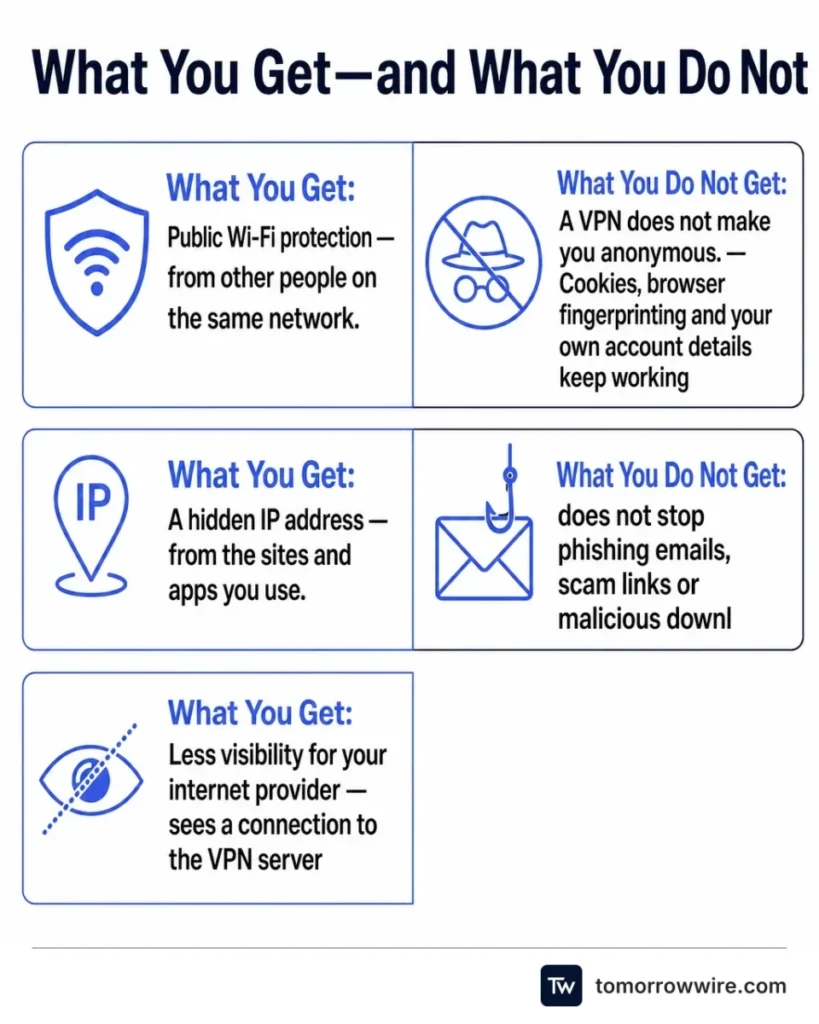
- Public Wi-Fi protection from other people on the same network.
- A hidden IP address from the sites and apps you use.
- Less visibility for your internet provider, which sees a connection to the VPN server and not the sites behind it.
What You Do Not Get
A VPN does not make you anonymous. The FTC notes that VPN apps generally do not make users entirely anonymous, and a site that knows who you are because you logged in still knows who you are. Cookies, browser fingerprinting and your own account details keep working through a tunnel.
A VPN also does not stop phishing emails, scam links or malicious downloads, and it cannot make an infected phone or a compromised app safe. For those risks, software updates, a password manager and two-factor authentication do far more.
Do You Actually Need a VPN?
For most people at home, a VPN is optional. Modern websites and apps already encrypt traffic with HTTPS, which covers the content of what you send even on an open network. A VPN adds a second layer on top and shifts some trust from the network to the provider.
It makes the most sense in these situations:
- You regularly use public Wi-Fi at airports, hotels, cafes or conferences, particularly for banking or work logins.
- You travel and want your usual services to work, or you need to reach work systems that require a VPN. Some streaming services restrict this use in their terms, so check before relying on it.
- You want to keep your browsing history from your internet provider. This only helps if you trust the VPN company more than the provider.
- You work remotely and your employer supplies a VPN. In that case use theirs, not a personal app.
Journalists, activists and people in countries with heavy surveillance have higher stakes, and a consumer VPN alone is not enough for them. The Electronic Frontier Foundation’s Surveillance Self-Defense project covers that situation in depth.
When You Can Skip a VPN
If you mostly browse and stream from home on a network you control, a VPN gives you little. Your traffic is already protected by HTTPS, and the home router is not a place where strangers can watch your connection.
Paying for one to fix security problems it does not address is the common mistake. A VPN will not protect you from a leaked password, a fake delivery text or an outdated phone. It can also slow your connection, because your traffic takes a longer route through an extra server, and some banks and streaming services block known VPN addresses.
Mobile data is another case where the benefit is small. Phone networks are encrypted between your device and the tower, and the apps you use already encrypt their own traffic.
How To Choose a VPN You Can Trust
This is where most of the risk sits. The FTC warns that some VPN apps do not use encryption, request sensitive permissions and share data with third parties for marketing and analytics. A free VPN that earns money from your data defeats the purpose.
The FTC’s advice on checking an app before you install it still applies:
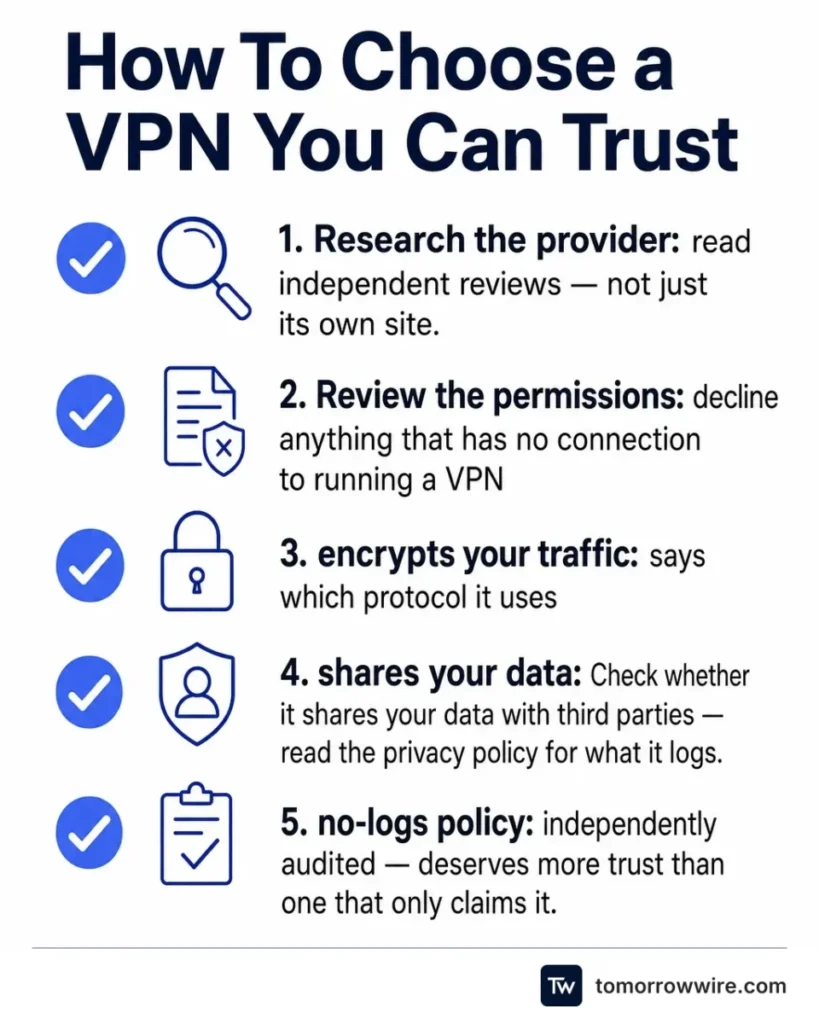
- Research the provider and read independent reviews, not just its own site.
- Review the permissions the app requests and decline anything that has no connection to running a VPN.
- Confirm the app encrypts your traffic and says which protocol it uses.
- Check whether it shares your data with third parties, and read the privacy policy for what it logs.
The EFF’s guidance adds questions about who owns the service, whether it keeps logs, and how the laws of the country it operates in could affect your data. Because the VPN operator can see the traffic it carries, a provider with a clear no-logs policy that has been independently audited deserves more trust than one that only claims it.
Expect to pay. A reputable service has to fund servers and security audits somehow, and a subscription is a more honest business model than selling your browsing data.
How To Set Up and Use a VPN
- Install the provider’s official app from the Apple App Store, Google Play or the provider’s own site.
- Sign in, pick a nearby server for the best speed, and switch on the kill switch if the app has one so traffic stops if the tunnel drops.
- Turn on auto-connect for untrusted networks so you are covered without having to remember.
- Confirm it works by checking your visible IP address in a browser.
Keep the app updated, because VPN software is a target for attackers like any other security software.
Frequently Asked Questions
Is a VPN Legal?
In the United States and most democratic countries, using a VPN is legal, though a few countries restrict or ban them, so check local rules before you travel.
Does a VPN Make You Anonymous?
No. A VPN hides your IP address and encrypts your connection, but sites can still identify you through logins, cookies and browser fingerprints, and the VPN company can see your traffic.
Is a Free VPN Safe?
Some are, but many are funded by advertising or data sharing, and the FTC has warned that some VPN apps share user data with third parties, so a free VPN needs closer scrutiny than a paid one.
Do I Need a VPN on My Phone?
Only if you often join public Wi-Fi or want the other benefits above. On your own mobile data connection, a VPN adds little.
Will a VPN Slow Down My Internet?
Usually a little, because your traffic takes a detour through the VPN server. A nearby server on a good provider keeps the slowdown small.